Free · Windows · Works offline
The apps you make with AI, still working next month.
A browser for the HTML apps you make in an AI chat. Drop the file in — it runs as it is, and its data stays on your PC.
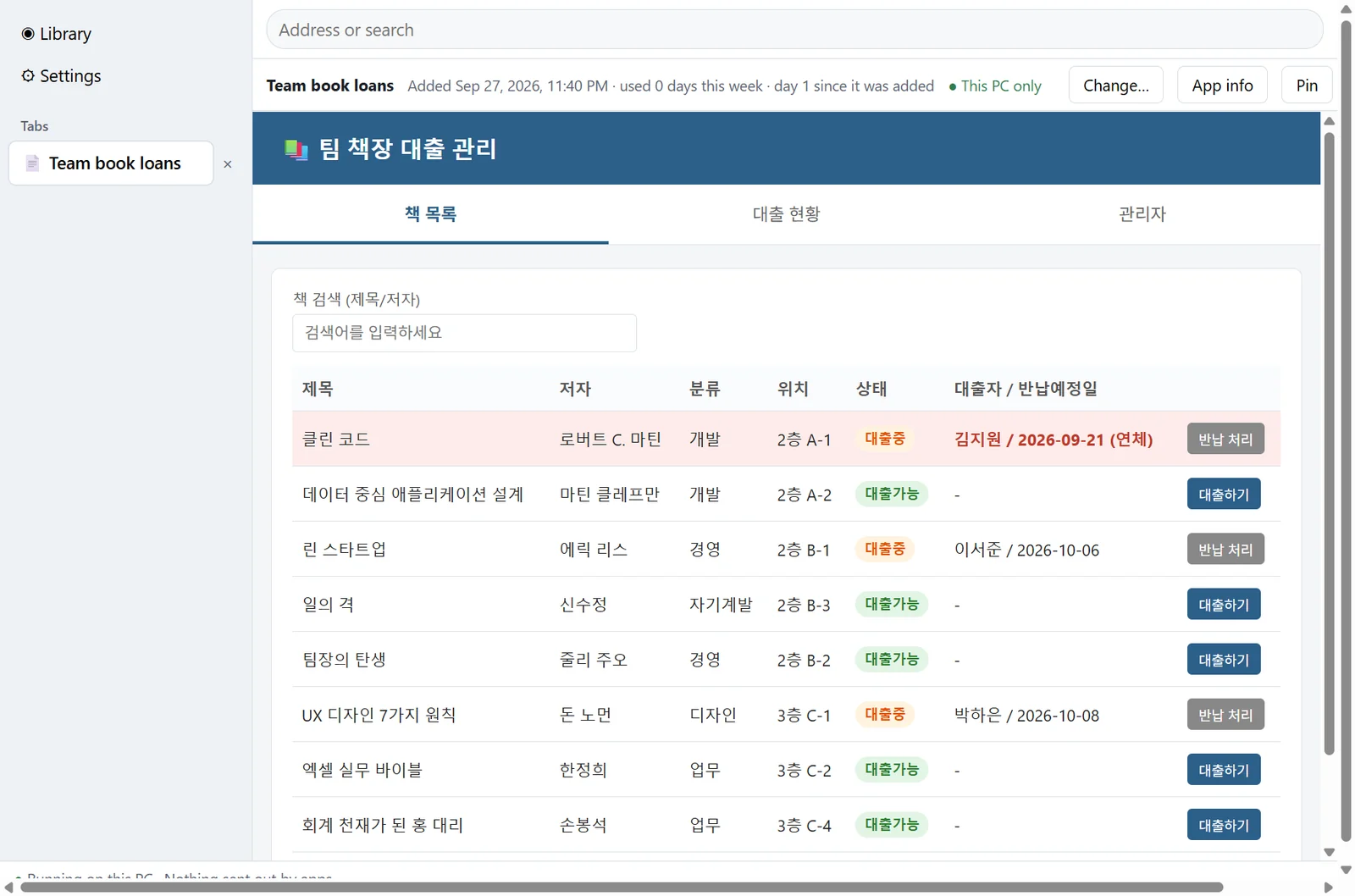
Why Bohm
Making a useful app with AI is the easy part now. Keeping it in use is where it stops. Clear the browser and the records you kept are gone. The AI key gets pasted into the file. A new version no longer fits the data you already entered. Bohm is a browser built for that second part: it gives the apps you made a place to keep running.
How it works
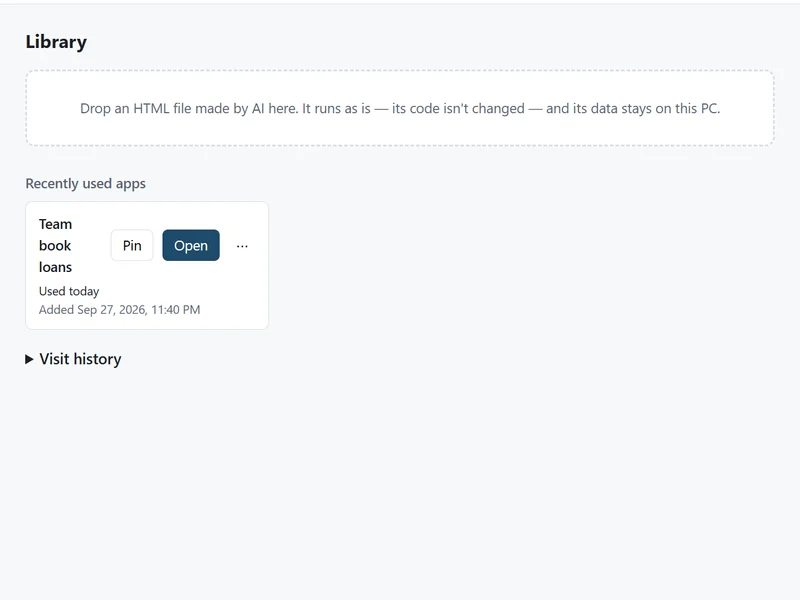
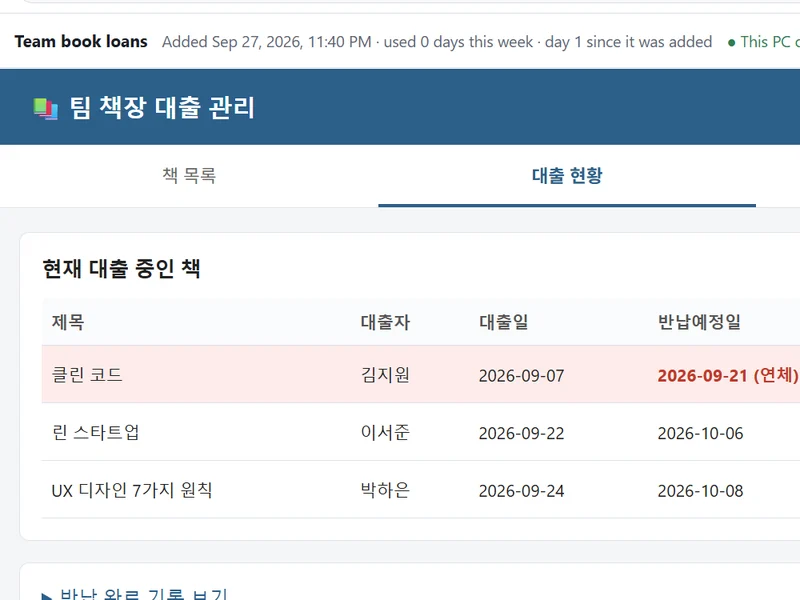
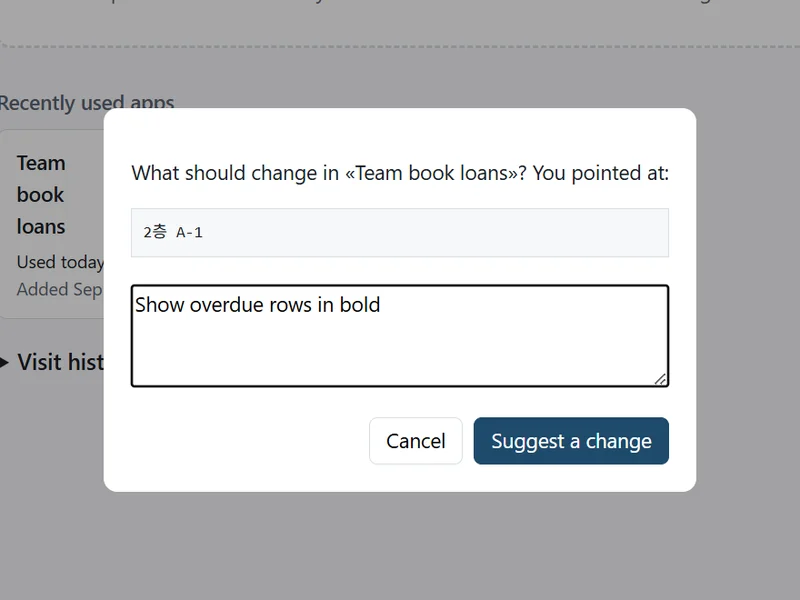
Drop it in. Use it. Point at what should change.
Your data
The app can be made again. The data cannot.
So Bohm treats them differently.
AI inside your apps
Apps that call AI, without a key in the file.
Company networks
Private enough for the office network.
Bohm runs on your PC and keeps working when the internet does not.
Works offline. Apps you added keep running without an internet connection. Nothing signs in or checks with a server first.
Apps cannot send your data out. An app that tries to reach another site is blocked, and Bohm tells you what it tried.
Still your browser. Tabs, an address bar and history that stays on your PC. Point the search box at your intranet search.
Working with files you already have?
Filer brings AI to the file explorer. Bohm keeps alive the apps that did not exist before. The tools you know, with AI added.
Try Bohm early.
Bohm is in early access on Windows. Leave your email and tell us what you would like to run in it — we will write when you can try it.
We store your email address and the network address it is sent from, keep them until early access ends and delete them within six months after, or sooner on request — see the Privacy Policy.
Only want news? Get an email when something new ships.
We store your email address and the network address it is sent from, keep them until early access ends and delete them within six months after, or sooner on request — see the Privacy Policy.
Questions or ideas?
Tell us what you make with AI, or what you would need Bohm to do.
We store what you write, your email if you give one, and the network address it is sent from, and delete them within twelve months or sooner on request — see the Privacy Policy. You can also write to hello@bohmbrowser.com.